Workflow Standards
 Download the Sample FileComplete Illustrator event file, opens OneDrive
Design Workflow | Setup
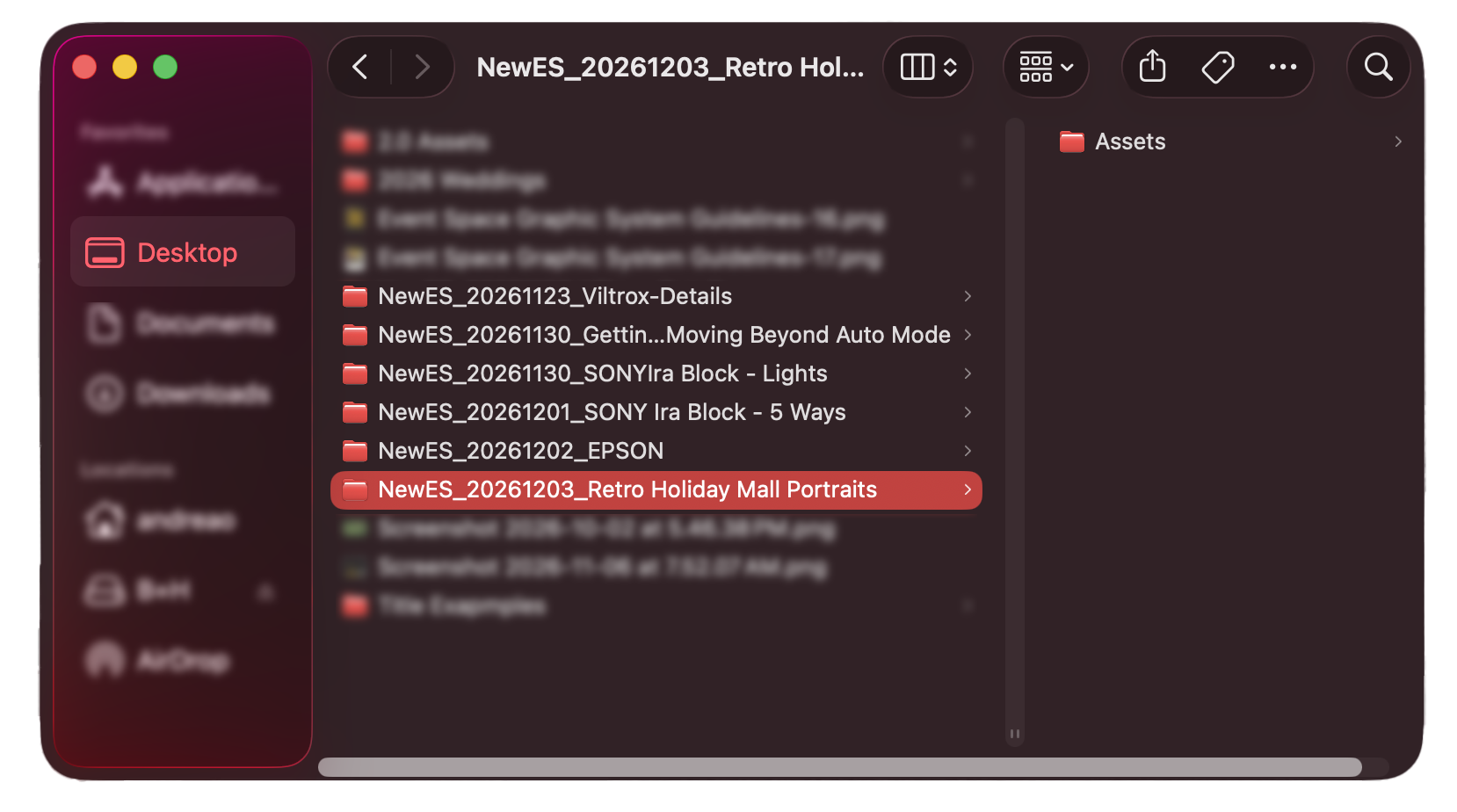
NewES_In-store eventsWALK_PhotowalksDEMO_Demos
-
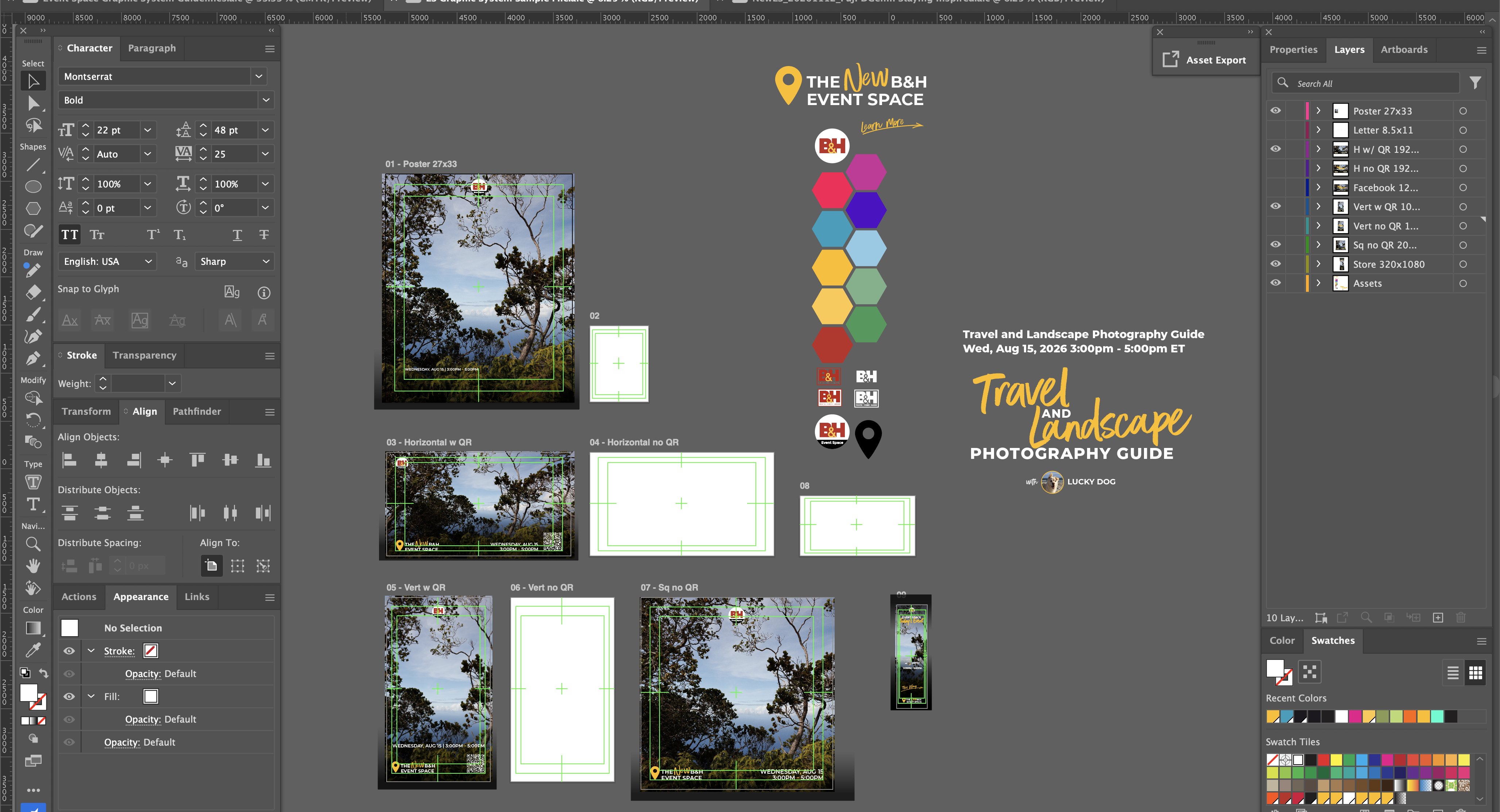
On the event file
-
Why These boards are rebuilt later by duplicating and modifying the finished boards, so they do not need to be designed from scratch.
-
-
Relink assets
Design Workflow | Title Element
The graphics should feel as considered and intentional as the work being promoted. The hero image always comes first.
-
Build the title element
-
Example “Start Your 3D Printing Journey with Bambu Lab” becomes “3D Printing with Bambu Lab” + the Demo Experience element.Why Signage is read in passing. Indoor and outdoor digital signage has to read at a glance from 10–15 ft away.
-
Example Travel and Landscape Photography Guide: “Travel and Landscape” is descriptive (script), “Photography Guide” is the definitive information (Montserrat).Why Script is dynamic and creative. Sans serif caps are clear and confident. Each does the job it is best at.Avoid Alternating script and sans serif line after line. The repeating rhythm creates a stripe effect, and nothing reads as the lead.
-
Remember Keep the title from competing with the hero image’s focal point. If the work needs a layout that breaks a default, the work comes first. Note the reasoning.
-
-
Title Element Examples
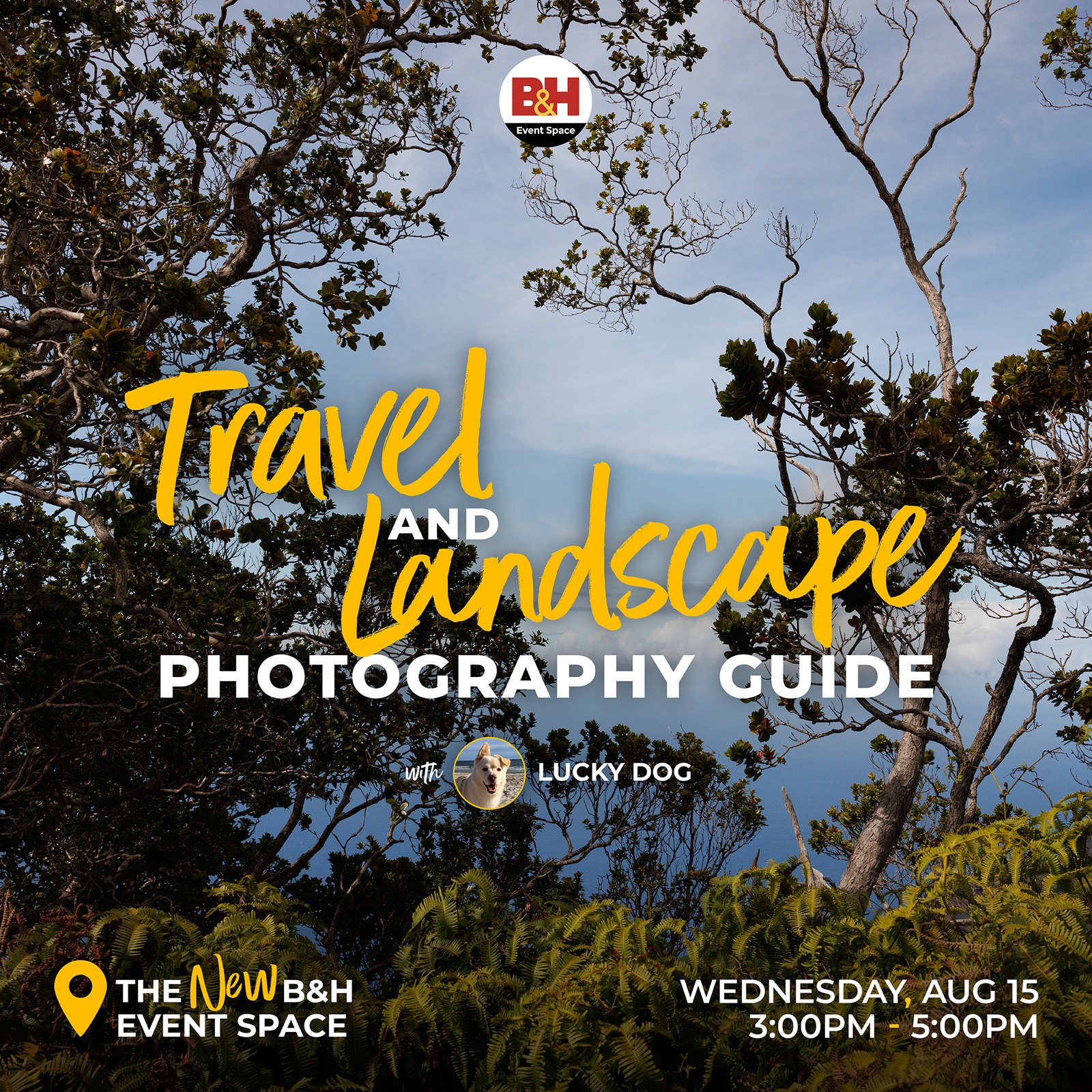
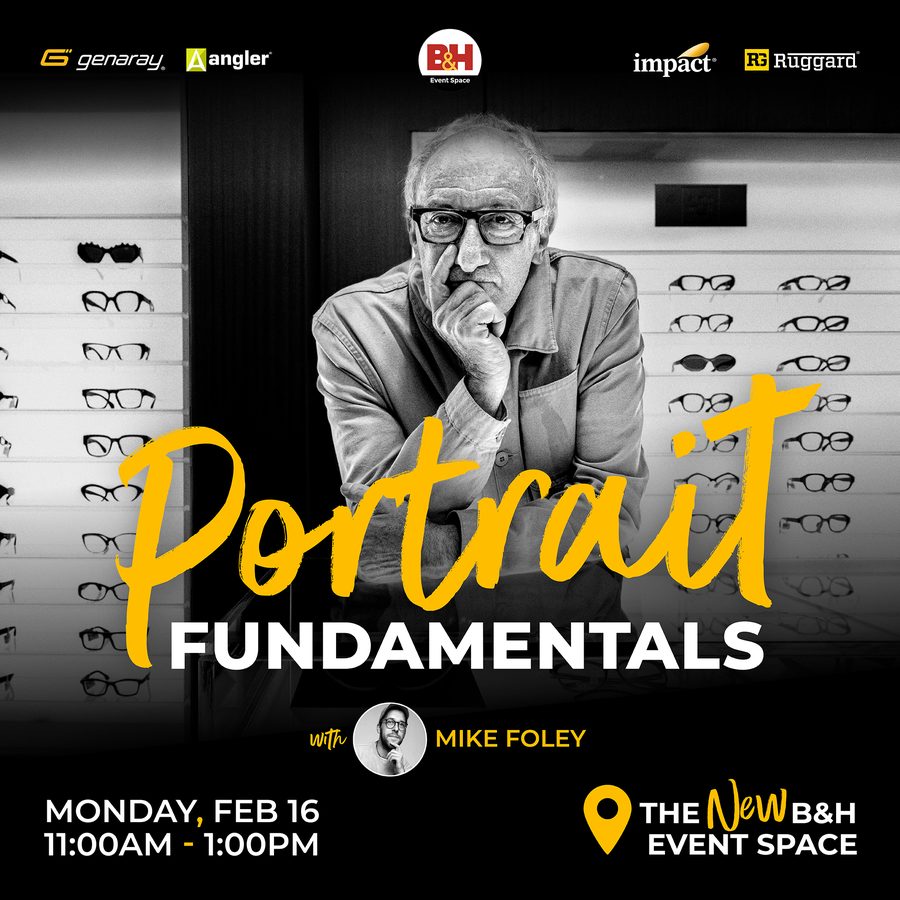
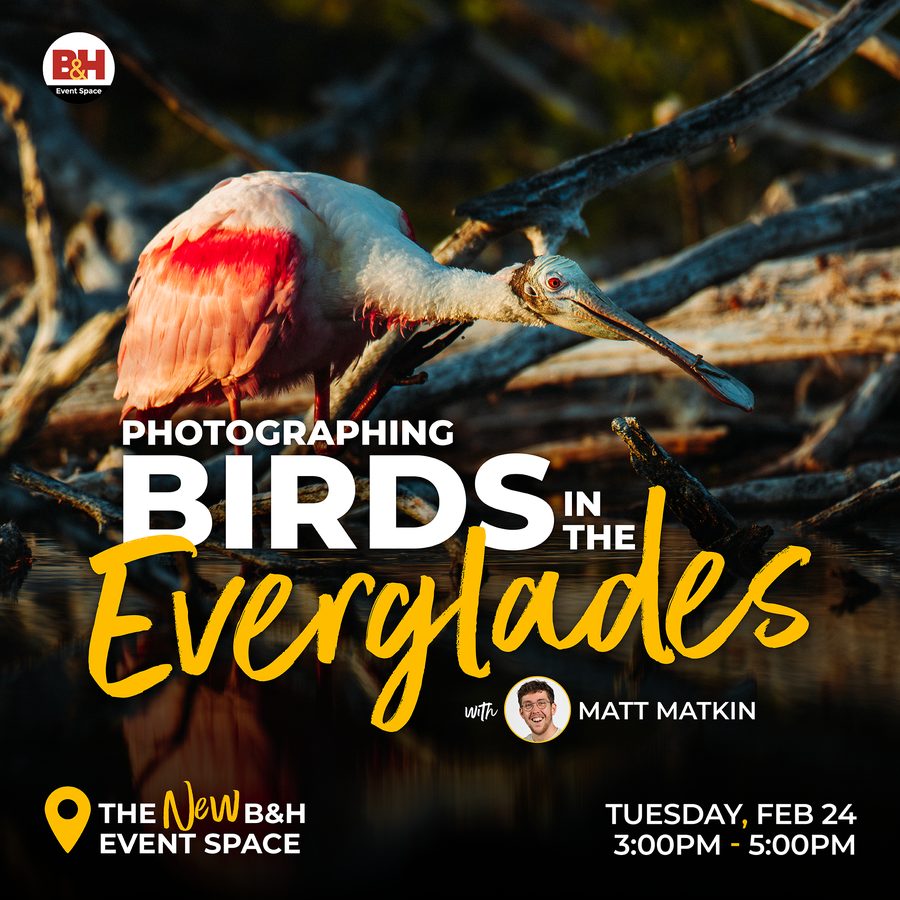
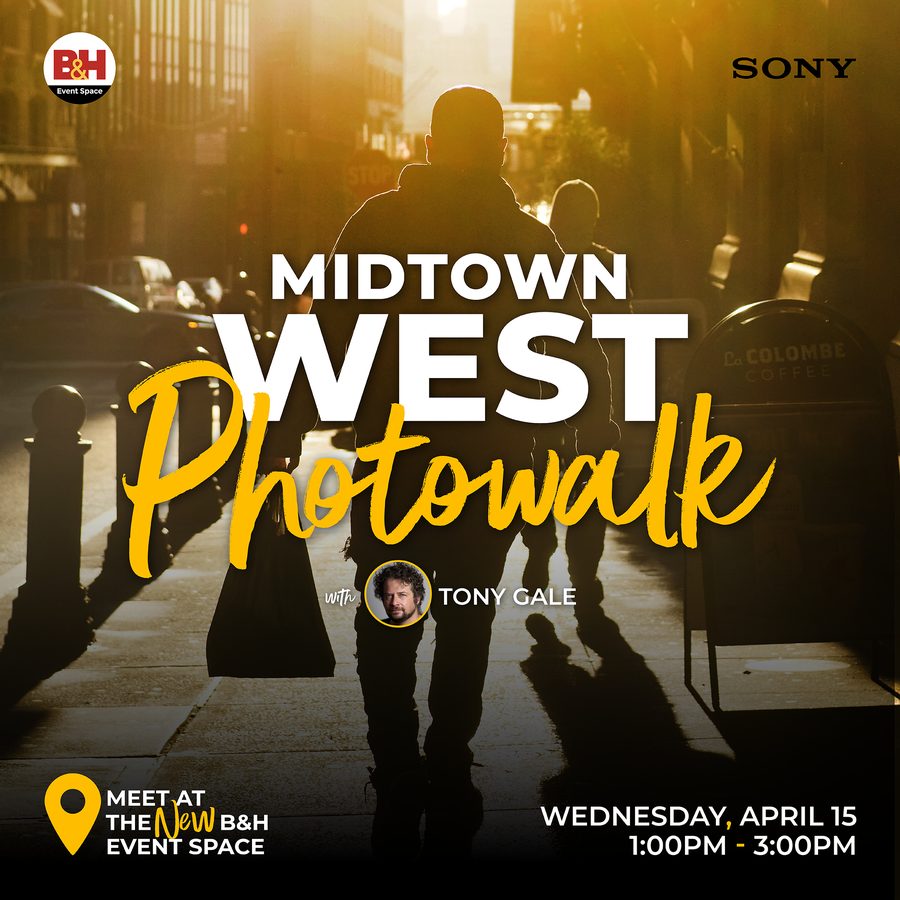
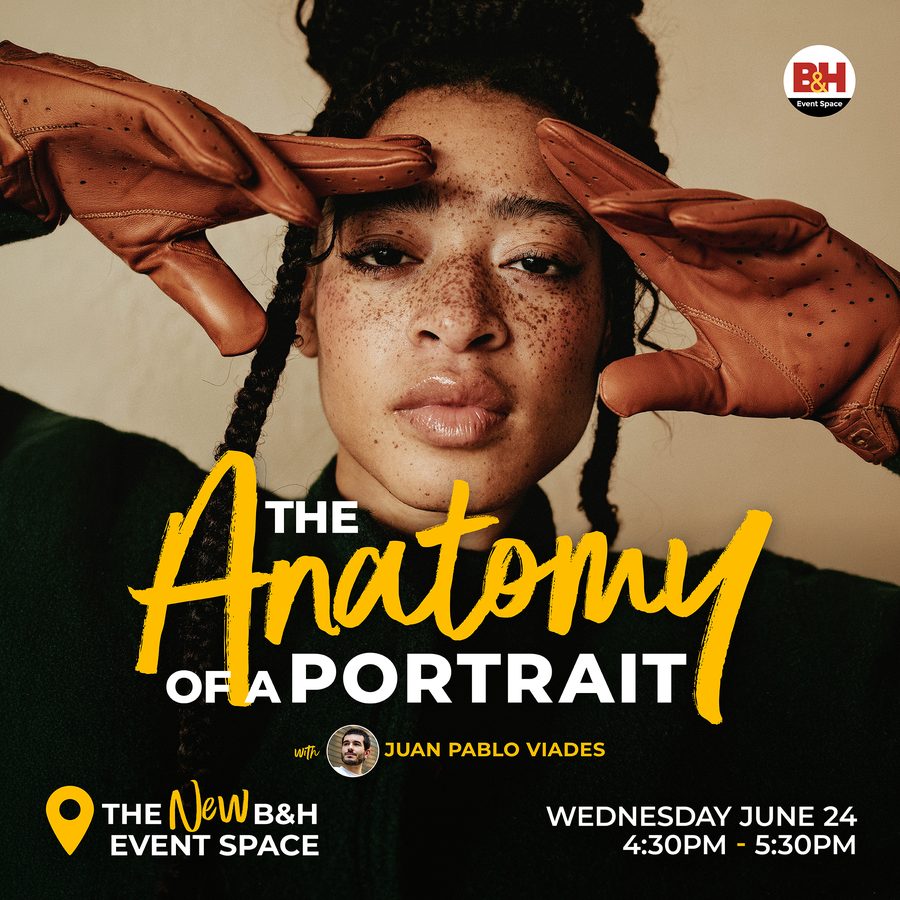
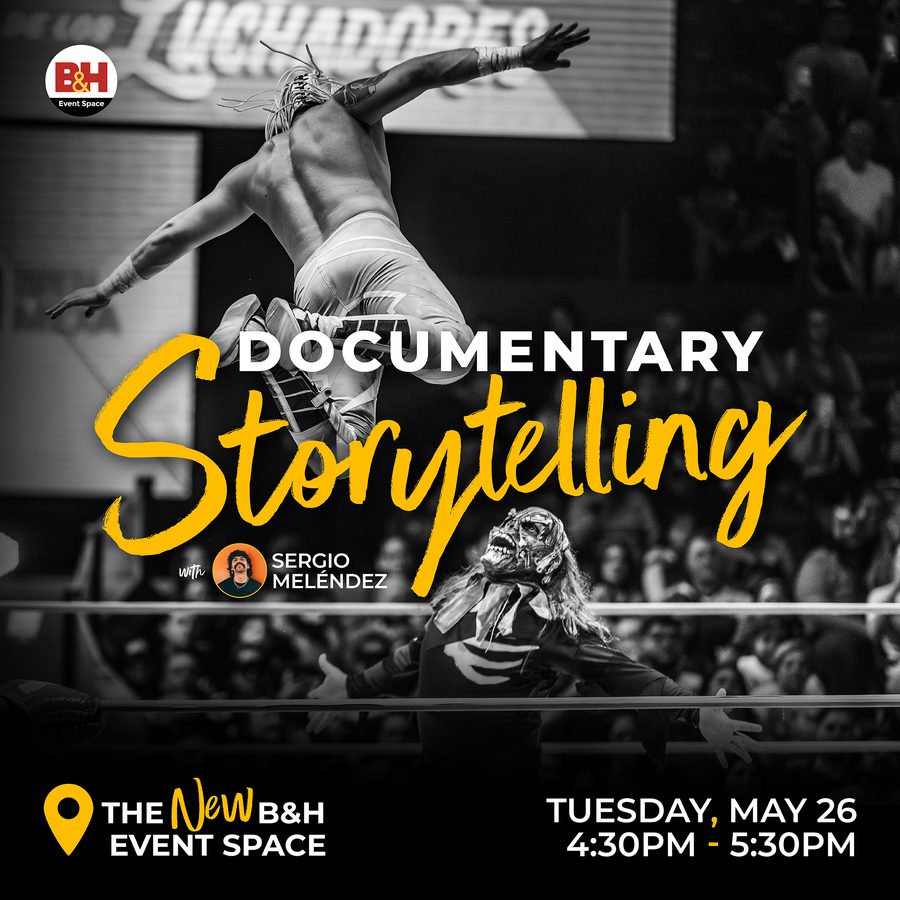
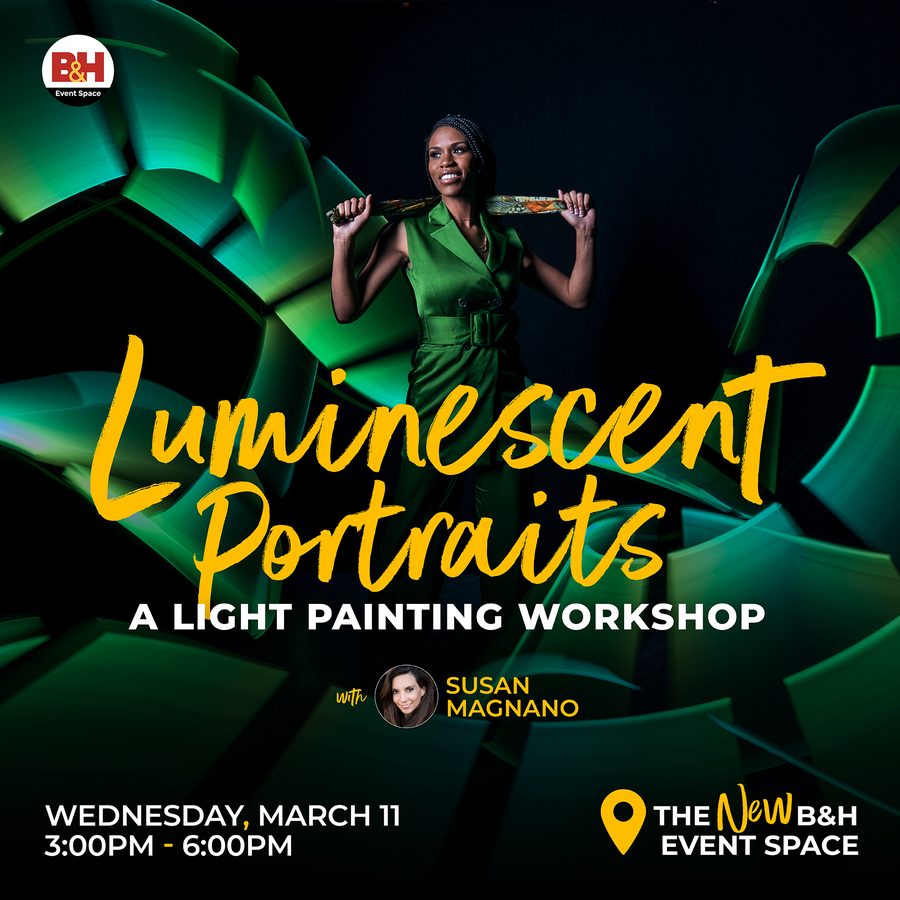
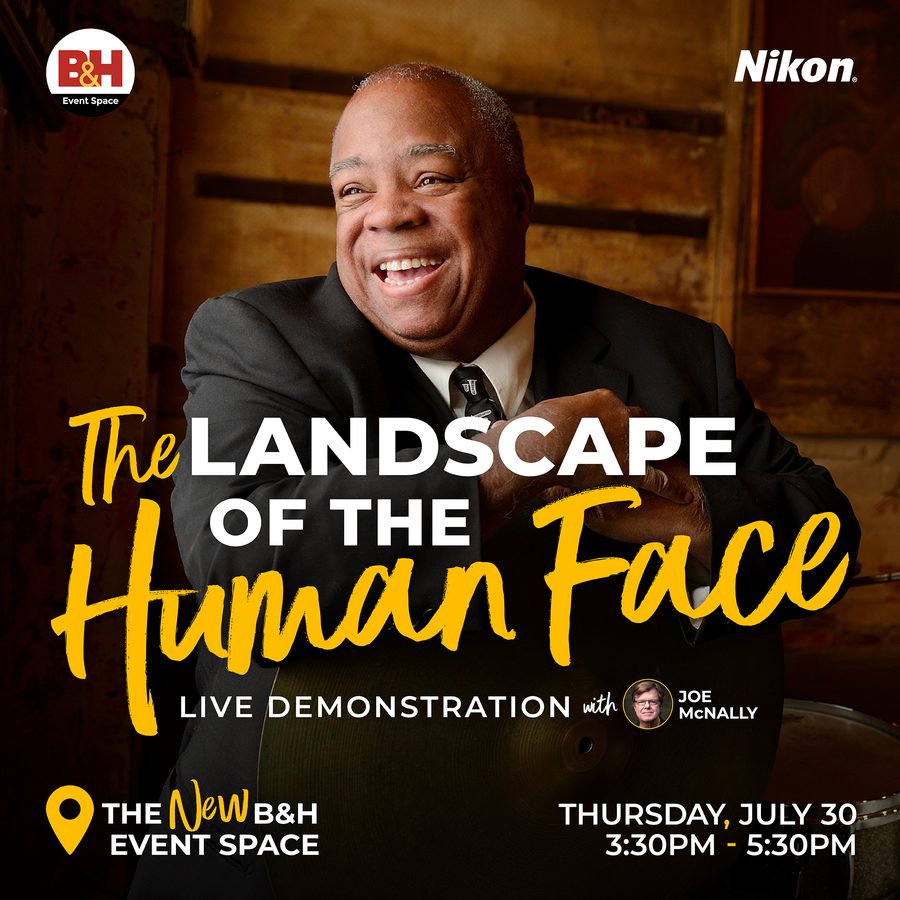
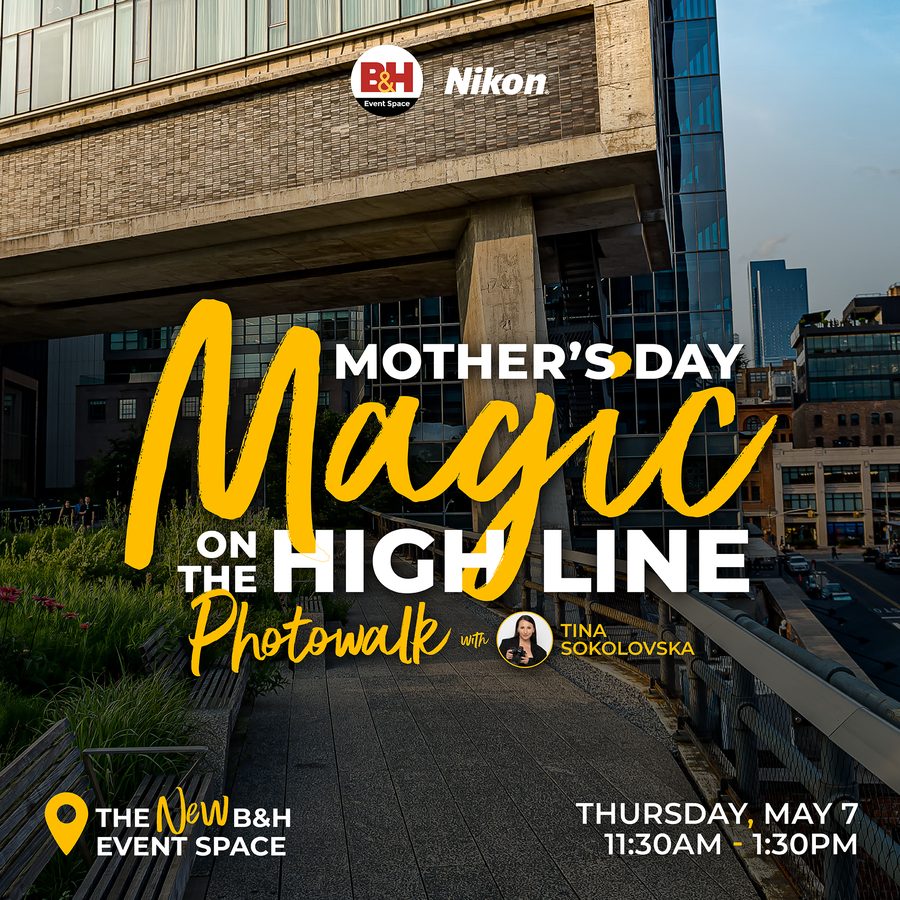
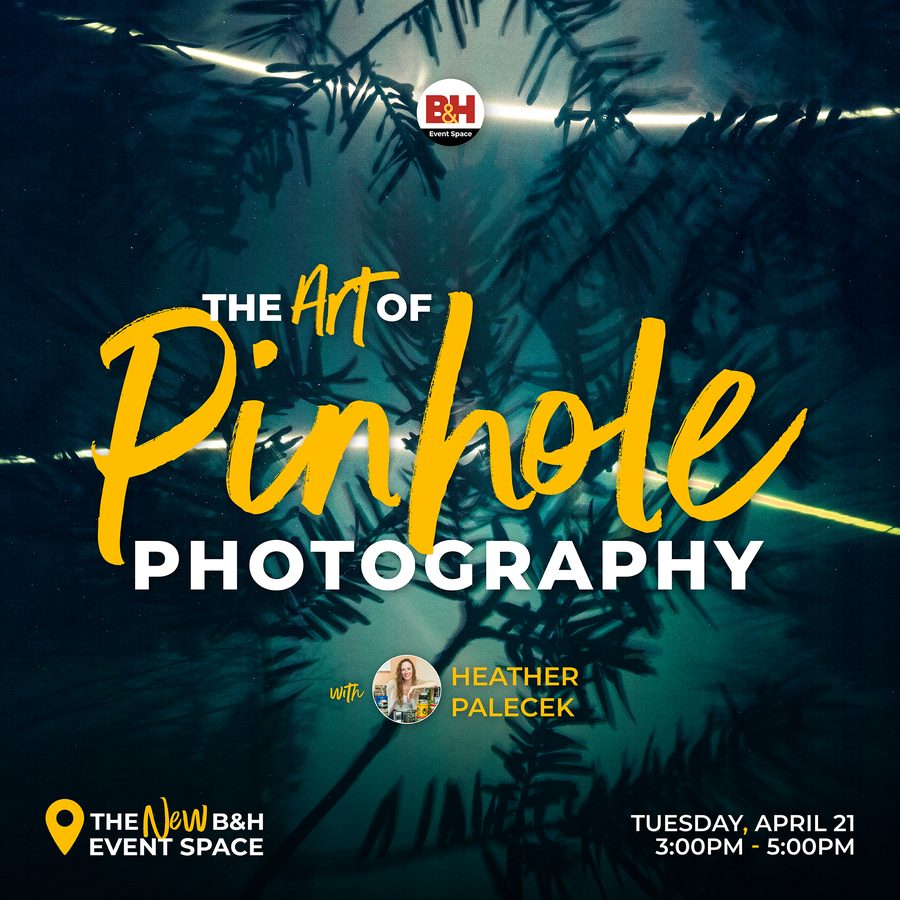
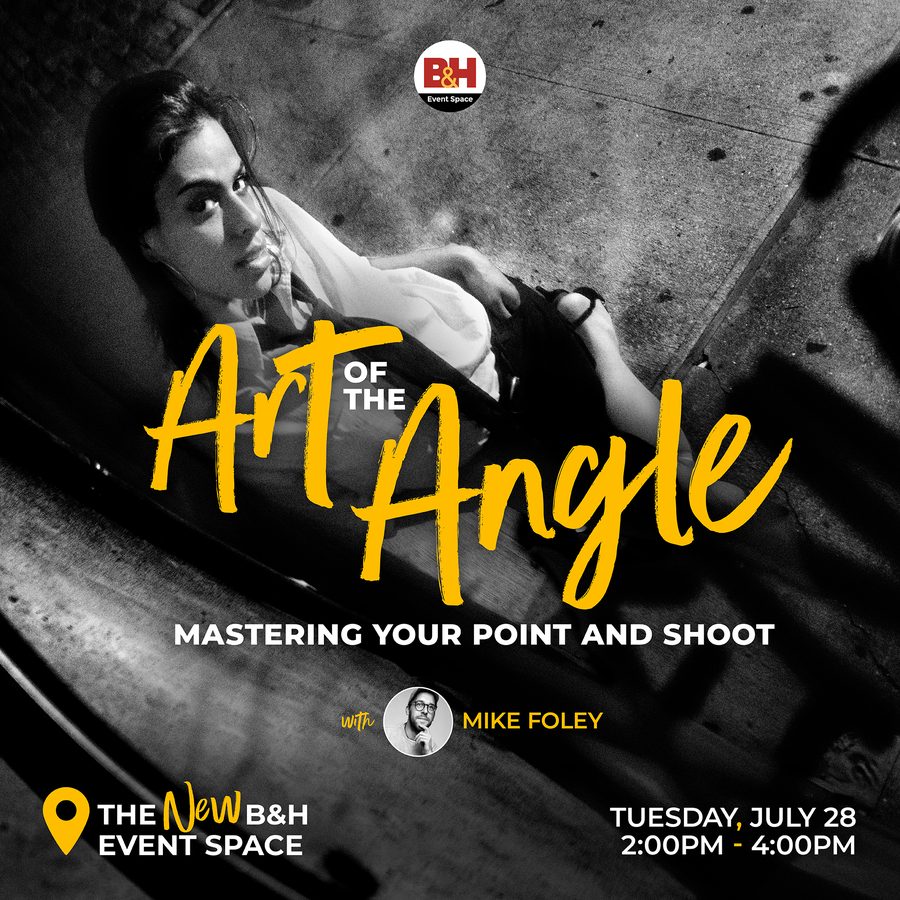
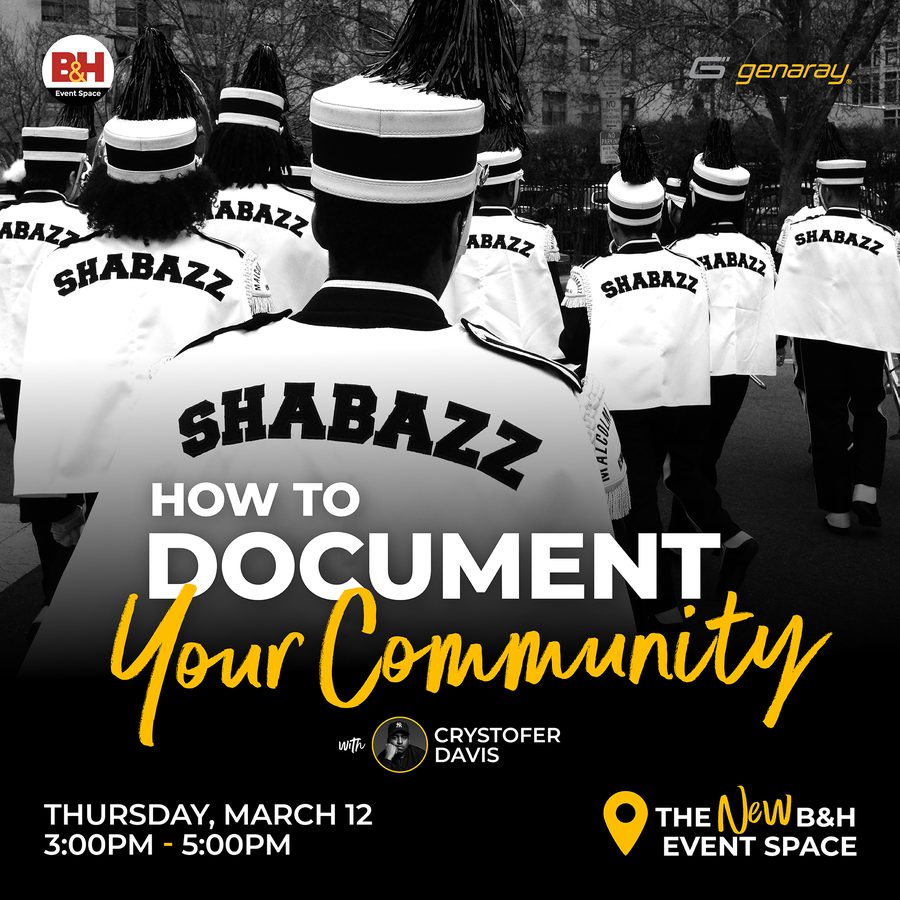
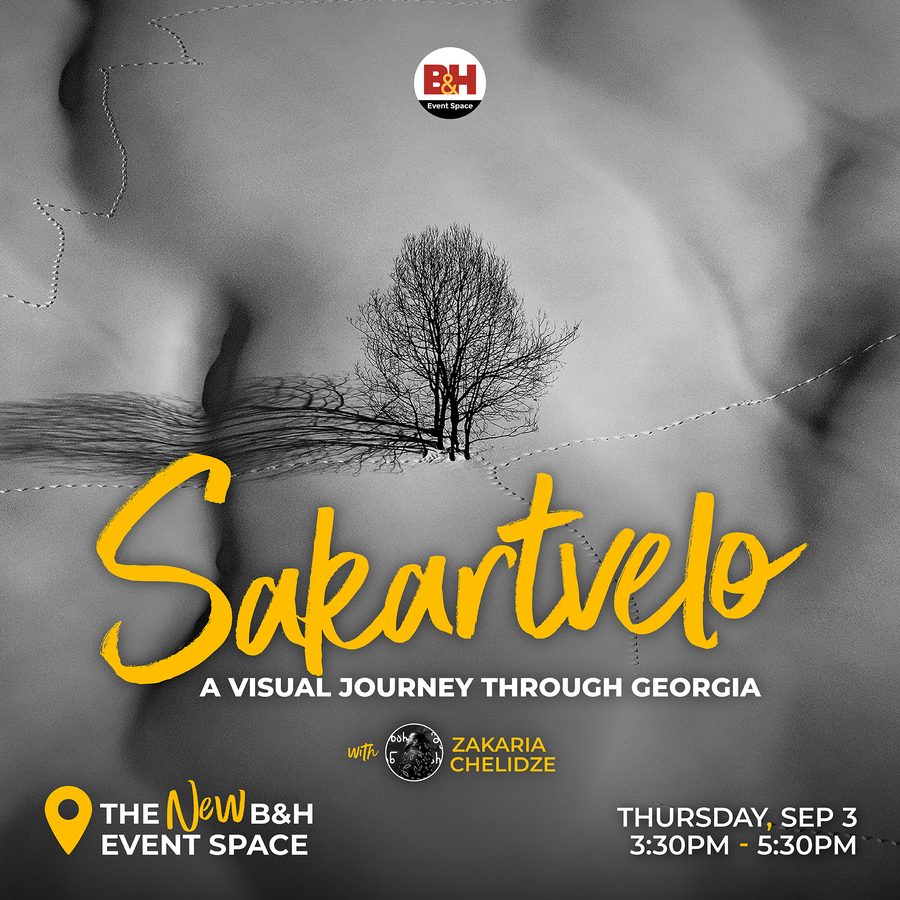
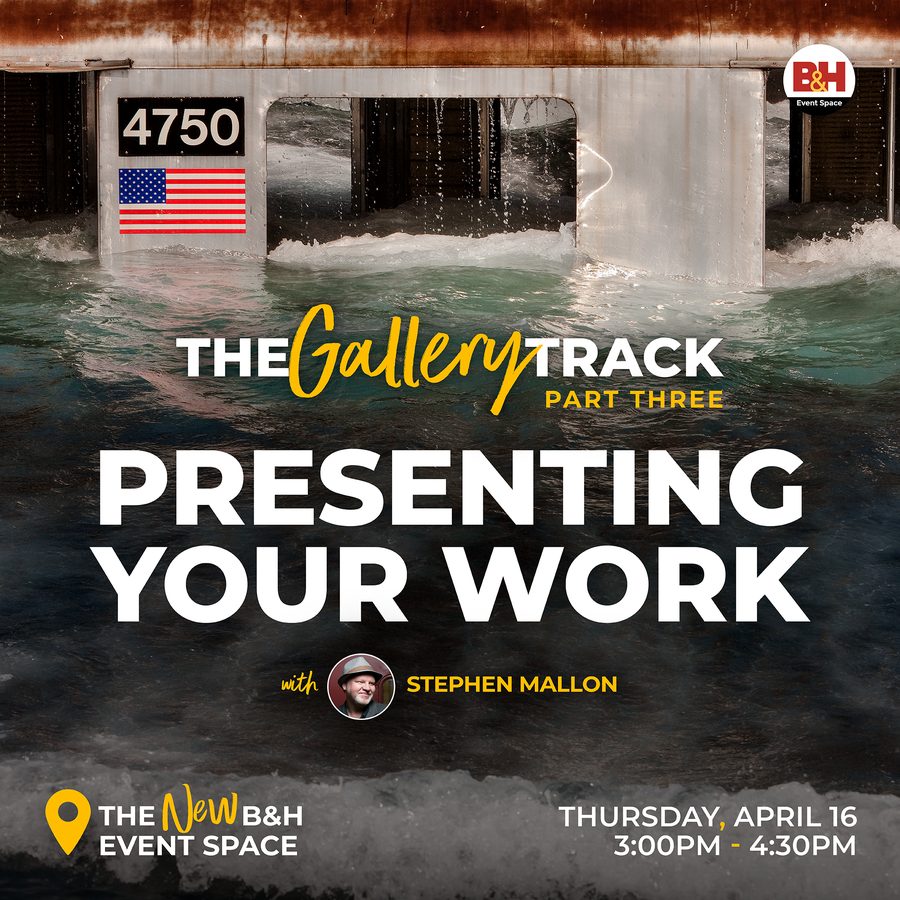
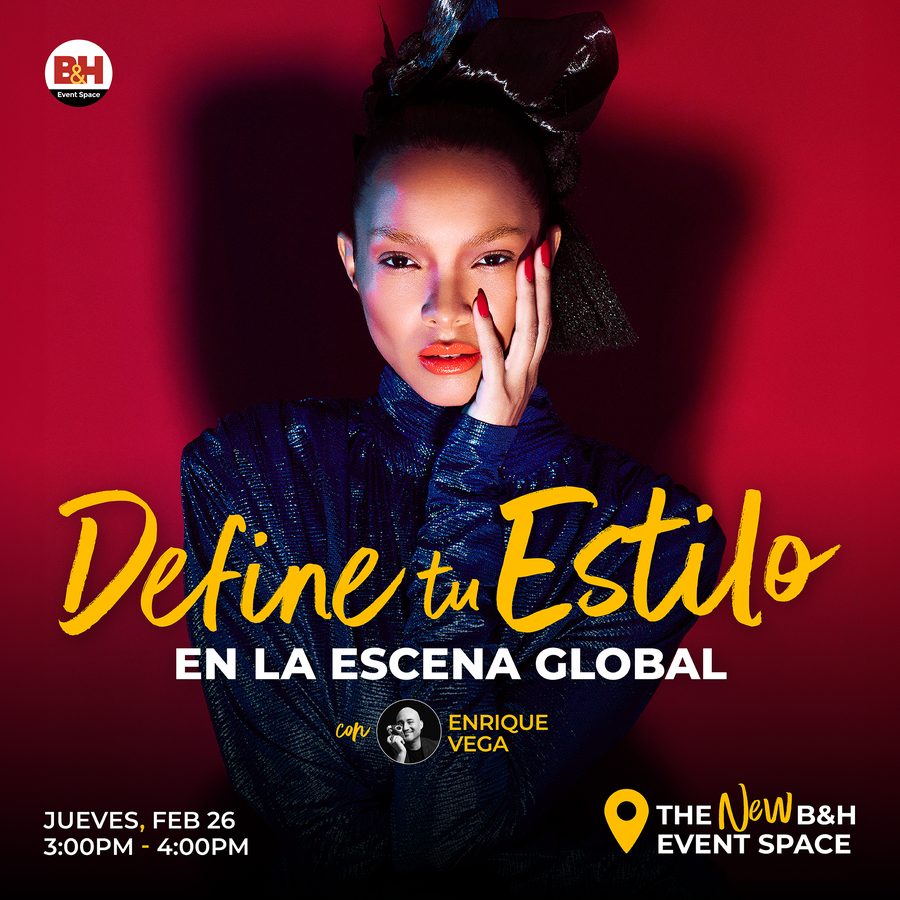
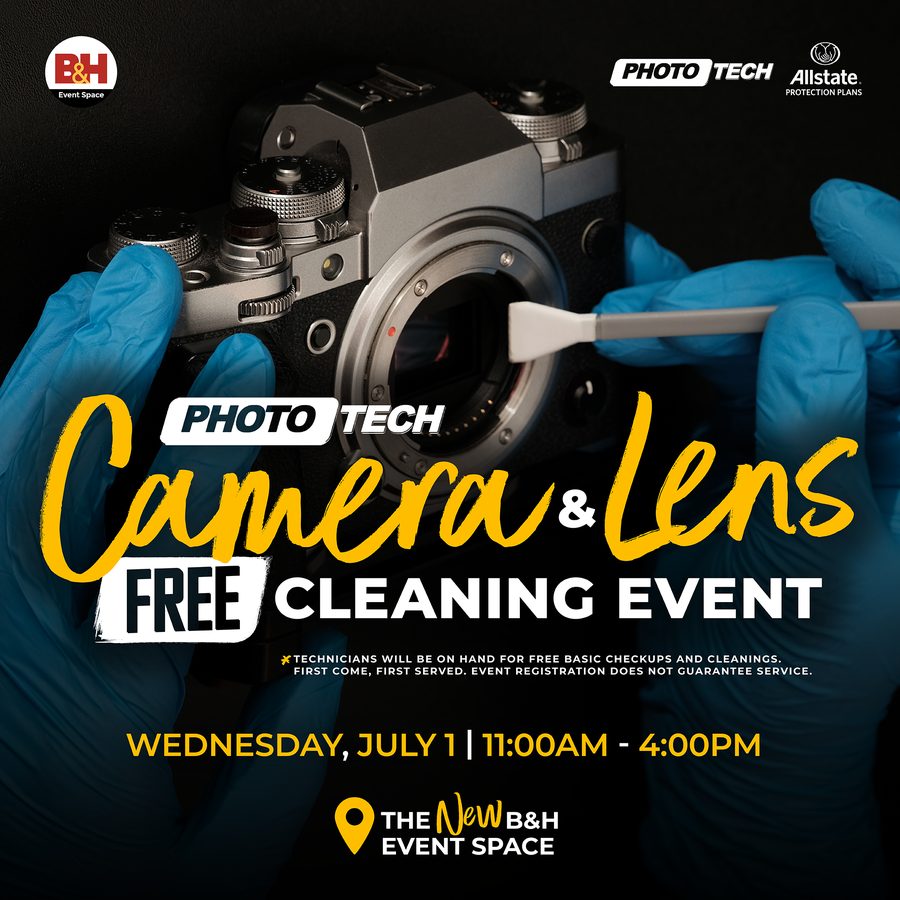
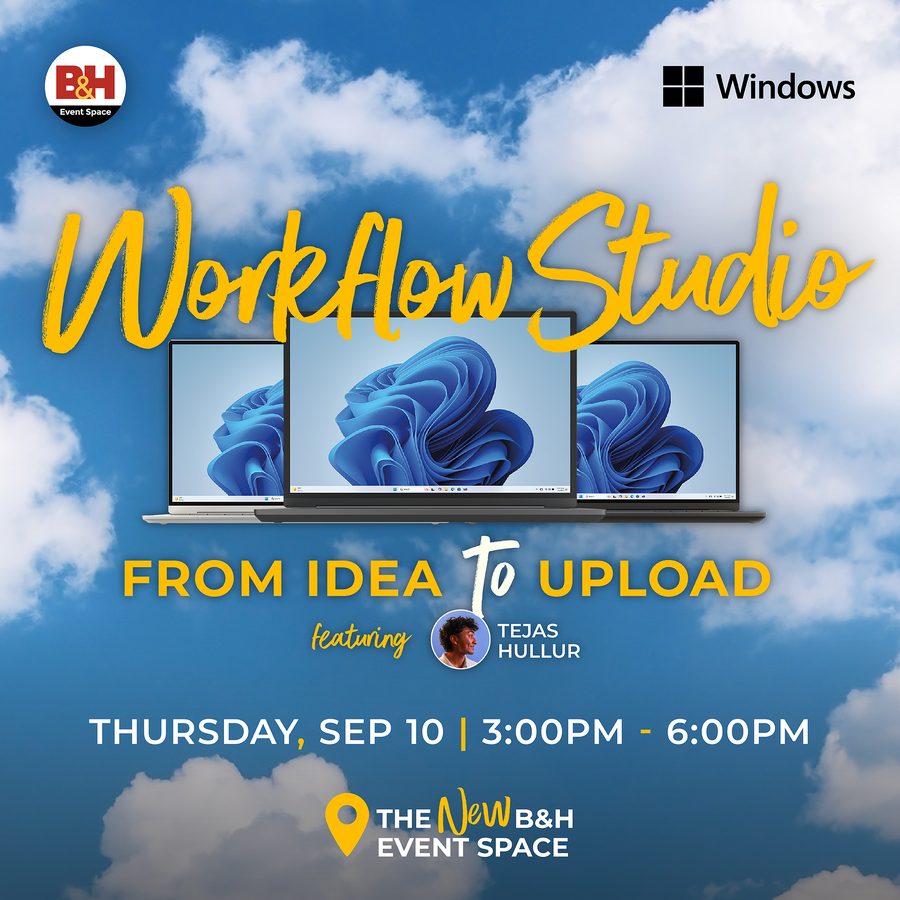
Swipe for more
-
Build the speaker headshot
-
Note If the event title already contains “with,” use “featuring” instead.
- Headshot Standards →
-
Design Workflow | Layout + Hierarchy
Checklist coming soon.
Design Workflow | Export Assets
Checklist coming soon.
Design Workflow | QA + Modifications
Checklist coming soon.
Design Workflow | Asset Distribution
Checklist coming soon.