Artboard Standards
Artboard #3: Horizontal w QR
1920 × 1080 px
- Aspect Ratio
- 16:9
- B&H Logo
- 130 × 130 px · Top center, top edge on the outer margin. Top left with a sponsor, or when the hero image needs it.
- Title Element
- Size TBD
- Speaker Element
- 60 × 60 px headshot · “with” Better Times 65 pt · Name Montserrat SemiBold 40 pt, −5 tracking, 42 pt leading
- Date / Time
- Two lines · Montserrat SemiBold, 44 pt, 48 pt leading, 0 tracking · Right-aligned, bottom line on the outer margin, 30 px from the QR
- Location Marker
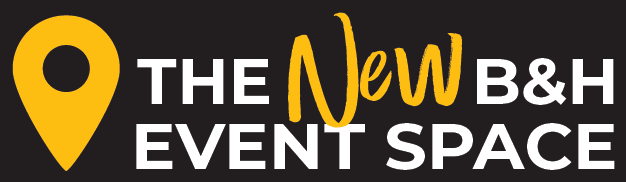
- Event Space marker 450 px wide · Superstore markers 100 px tall · Bottom-left corner of the outer margin
- QR Code
- 220 × 220 px · Bottom-right corner of the outer margin
Notes
- Sponsor When a sponsor is present, the B&H Logo shifts to top left and the sponsor goes top right on the outer margin, ¾ the height of the red B&H and centered on it. Multiple sponsors line up in a row, 15–20 px apart. Size the visible logo, not any padding around it.
- Headshot Circle crop and stroke. White stroke with a yellow name, yellow stroke with a white name. If the event title already contains “with,” use “featuring.” Panels: each speaker gets their own headshot and name.
- QR Code Bottom-right corner of the outer margin, on a transparent background, in white or Bild Yellow. The visible code is the full spec size, with no extra padding.
- Gradient Bottom fade as a starting point. Adjust size and opacity to the hero image. See Margins + Gradient on the overview.
- Color Date, time, and location punctuation is Bild Yellow with white text, or switched when the hero image needs balance.